
Matcap Generator
Edit: I’ve updated the .blend download to fix an issue with the rendered matcap images not aliasing correctly when used as matcaps, but to get the most out of the matcap images at the bottom you may want to crop the outer few pixels from the outside of the image. Alternatively if you’re using them in blender, just set the “size” option in the texture mapping options to 0.98 in each direction
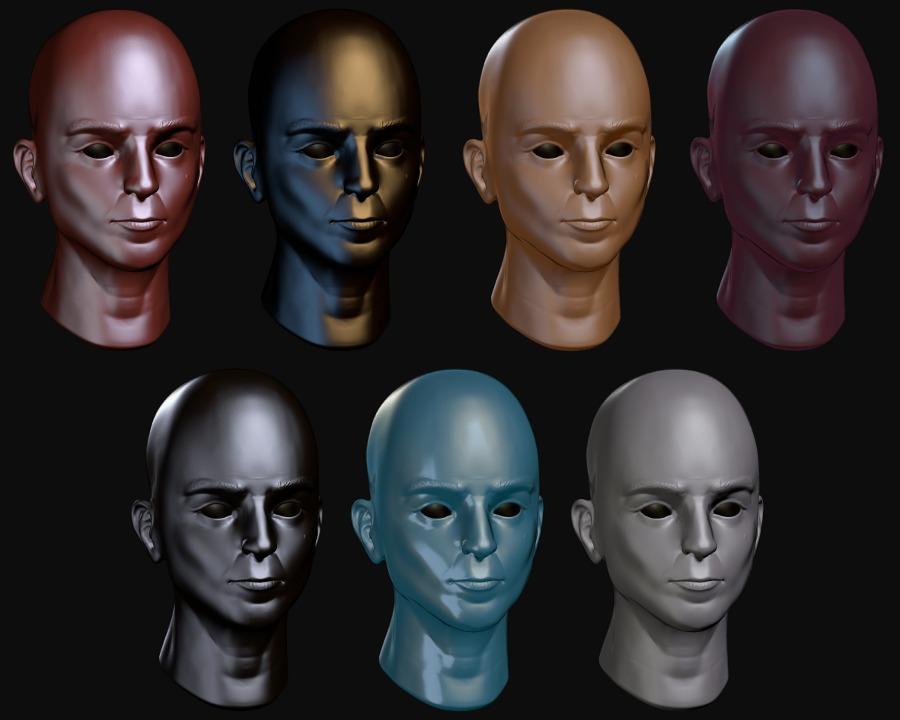
Whilst doing some sculpting today I found myself casting around for some nice matcap images to apply to my sculpt. Whilst zbrush central has some great ones that are well worth checking out, these all come in a rather unhelpful .zmt format, which if you dont have zbrush are difficult if not impossible to export to something you can use in blender. So I thought it would be simple enough to build my own matcap generator in blender that I could use to generate whatever material I liked and render it as a matcap style sphere. It was a fairly quick process and the results work rather well as matcap images for my sculpts. I thought I’d share the generator .blend and a few of the matcaps I generated for anyone interested in doing some sculpting in blender, or just showing off the results.
You can download the generator .blend file from BlendSwap , see after the jump for the matcap images themselves.
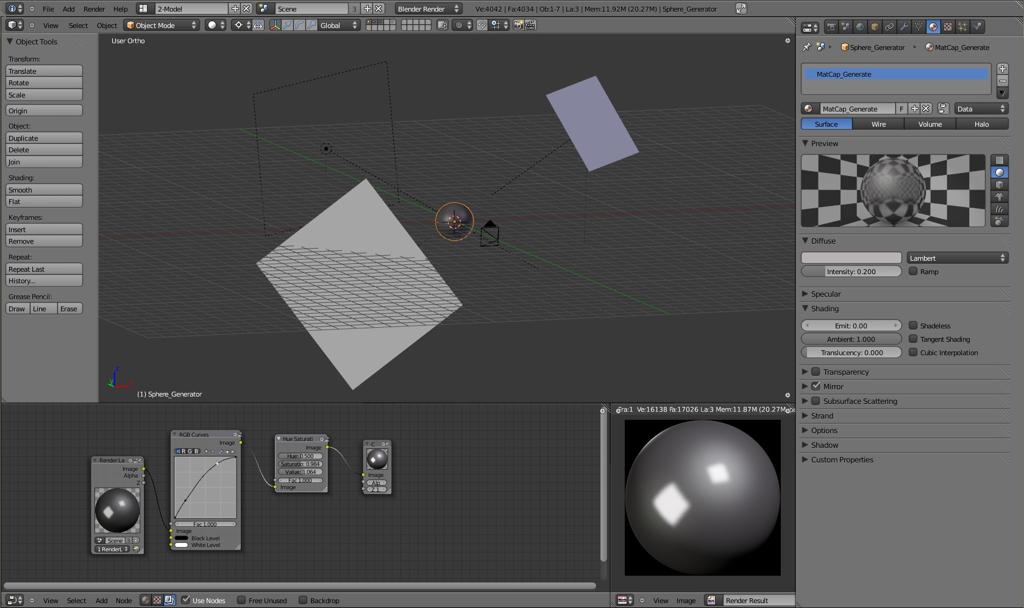
As you can see it’s a pretty simple blend file. just a sphere with a basic three point lighting rig and some planes for ray traced reflections. You can mess around with the world settings and material settings on the sphere to get all sorts of results though.
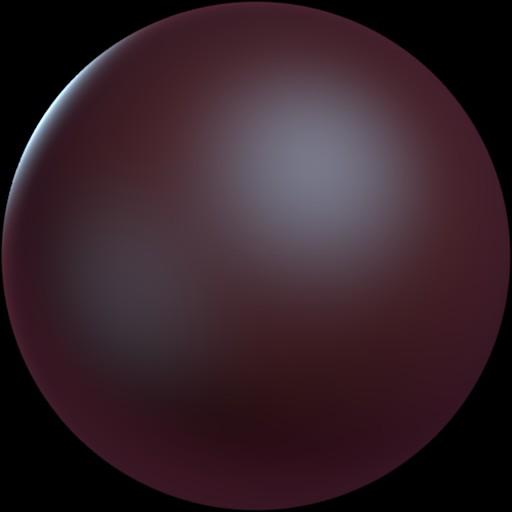
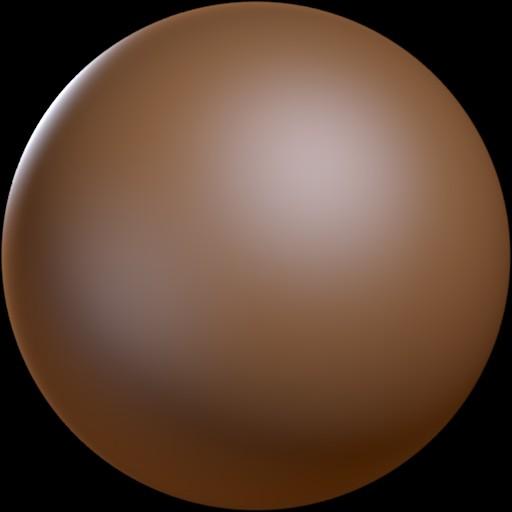
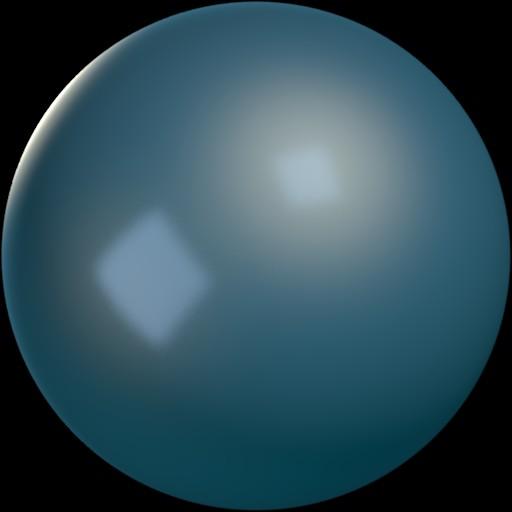
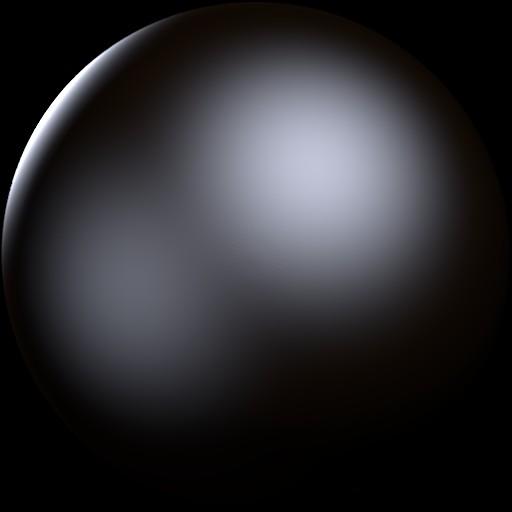
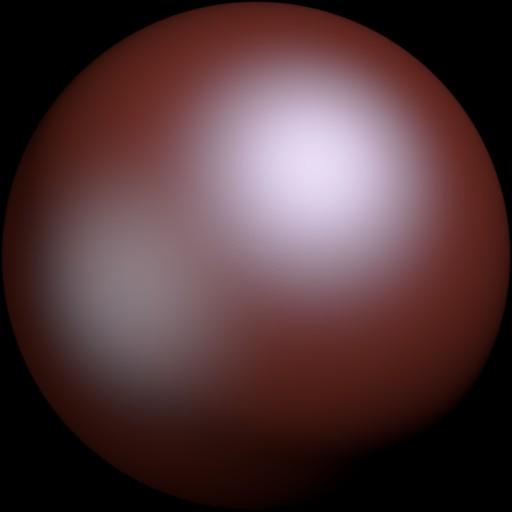
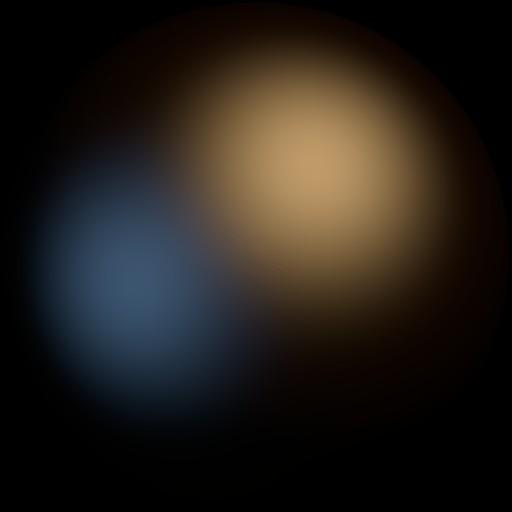
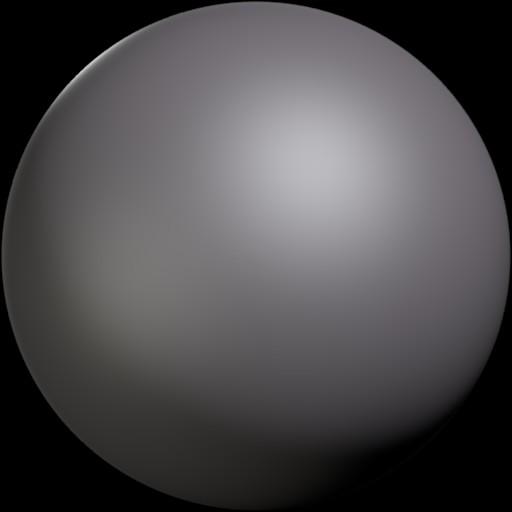
Here are the seven matcap images used for the renders above. To use them, just create a shadeless material for your model and then add the image as a texture mapped to the materials normal co-ordinates. Then, in the display settings panel of the transform sidebar (hit “N” while in the 3D view to bring it up) set the shading mode to GLSL and set the window draw mode to textured. The generator file also includes a sample matcap material if you need to know the specifics of how to set it up.

This work by Ben Simonds is licensed under a Creative Commons Attribution 3.0 Unported License. Based on a work at bensimonds.com.
Comments
Ricardo de Sena (Jan 09, 2011)
Thanks, very usefull.
bensimonds (Sep 18, 2010)
I’ve come across this too it’s an aliasing issue with the black pixels around the edges. It’s very simple to fix, just set the size of the texture to 0.98 in all directions to crop away the outermost pixels. I’d update the blend to fix it, but blendswap doesn’t seem to have the capability to upload new versions.
Benjamin Bailey (Sep 18, 2010)
Alright, awesome, man, I’ll check out the fix! Hopefully a better solution (alpha) will be introduced in the future.
Benjamin Bailey (Sep 17, 2010)
Very awesome, man! The matcap has some bad black artifacts around the edges, especially if you have a lot of tiny details. But it’s better than modeling with the standard material, so, thanks!
RH2 (Jul 31, 2010)
awesome idea…
gotta check this out.
iKlsR (Aug 26, 2010)
way cool… it works perfectly!
Rombout (May 17, 2011)
thans mate… this feature is awesome and you upgradet it with this setup!!! job really well done i think
Ben Simonds (Mar 05, 2012)
Sorry. I’ll try and get it fixed!
Alx (May 10, 2012)
Hi! Can you fix the link to the .blend file? Thanx!
seyacat (Mar 02, 2012)
.blend breaked link
Archie Antumbra (Nov 01, 2012)
Could you please reupload this somewhere? I had it stored on my backup drive, but it got wiped. This was a really helpful blend.
Thank you.
freakmean16 (Jun 07, 2013)
Please man…reuplod this awesomeness…..PLEAAAAASE!!!!
freakmean16 (Jun 07, 2013)
Please man..reupload this!!!PLEAAAASE!!!!
raceronline (Mar 31, 2014)
Link is dead, please reupload Thanks!
Ben Simonds (Apr 03, 2014)
Updated the link. Goes to blendswap now!
3D Web Easy (@gfxdevrus) (Aug 12, 2014)
FYI you may view matcap materials on the web page with Blend4Web as in this apple example http://www.blend4web.com/doc/en/textures.html#stencil-map
7 Blender Features All Beginners Need to Know | Regus Ttef (Sep 02, 2014)
[…] Matcaps are perfect for sculpting and previewing you’re mesh in a render-like preview. To use them Press N to bring up the properties panel and scroll down to the “shading” tab and click “Matcap” then click on the Matcap and there will be a list of 24 unique Matcaps. Currently there is not a way to show custom Matcaps. But there is a workaround that allows you to. Ben Simonds explains how to do so Here […]
Fabrice (Nov 28, 2015)
@vxc, back in 2007 I was seeking at giving some bits of volume at greater frame rate into flash 8… This demo showed you could even fake light direction using same principle. http://www.closier.nl/playground/phongscene_v2.html
Creating your own Matcaps (a cool way to viz characters in Blender) : CG Masters (Mar 12, 2016)
[…] [Matcap Generator] […]
Creating your own Matcaps (a cool way to viz characters in Blender) – Blenderstory (Oct 17, 2016)
[…] [Matcap Generator] […]
Blender Noob (Dec 26, 2015)
Awesome work but I have trouble using it. Could you please elaborate on “To use them, just create a shadeless material for your model and then add the image as a texture mapped to the materials normal co-ordinates.”? What modes should I use for it, Blender Render with nodes? Could not set it up at all. I am using 2.76. Thanks!
vxc (Feb 15, 2015)
I dont understand, how come none ever thought about that spherical/normal mapping before
althought it’s fake material, it gives such great results with a simple SEM shader
GitHub - regl-project/regl: 👑 Functional WebGL - Prosyscom Hosting (Feb 02, 2018)
[…] (spheretexture.jpg)
by Ben Simonds. CC 3 […]
Creating your own Matcaps (a cool way to viz characters in Blender) | CG Masters (May 03, 2017)
[…] [Matcap Generator] […]
blender, blender 2.5, generator, matcap, material, quick projects, resources, sculpting — Jul 30, 2010